
For QR code SVG vs PNG for print, export SVG as your master file and give the printer a vector PDF. Use PNG only for screens, office documents, or layout tools that refuse vectors. SVG stays sharp at any size, while PNG is locked to a pixel grid that blurs when scaled. A logo QR code needs that sharpness because scanners read module edges, and the logo has already used up part of your error-correction budget.
TL;DR:
- Keep an SVG as the master file and send the printer a vector PDF. PNG is the fallback, and JPG is never the answer.
- A PNG goes soft in print because it has a fixed pixel count. If you must use one, make each QR module a whole number of pixels, such as 13 px × 37 modules = 481 px.
- SVG fails in specific ways: linked logos, live fonts, drop shadows, and hairline gaps between modules. Check the file before you trust it.
- SVG is RGB only. Converting black to CMYK can produce a four-ink mix, so set the dark modules to 100% K in the final PDF.
- Tracing a PNG into SVG is a poor shortcut. Regenerate the code from the URL instead, and print a test at actual size before the run.
Table of Contents
- QR Code SVG vs PNG for Print: Pick the Vector, Keep the PNG as Backup
- SVG, PNG, PDF and JPG Compared on What Printers Care About
- Why a PNG Goes Soft in Print, and the Pixel Math to Export One Correctly
- Where SVG Fails: Logos, Fonts, Effects and Hairline Gaps
- PDF Is What Your Printer Wants, and RGB Black Is the Trap
- Converting Between Formats: Can You Turn a PNG into an SVG, and Where ICO Fits
- Cricut, iPhone and Other Odd Destinations
- Get Logo QR Codes You Can Reprint Without Replacing the Link
- Frequently Asked Questions
- Sources
QR Code SVG vs PNG for Print: Pick the Vector, Keep the PNG as Backup
My pick is SVG as the master file. The W3C defines SVG as an XML-based vector format, so the file stores shapes as coordinates instead of a grid of colored dots. The same file can become a 2 cm sticker or a 2 m banner, and the edges stay hard both times. A PNG stores one fixed grid, and every resize is a guess about what the missing pixels should be.
Here is the short version of what to export for each job:
- Sending to a print shop. A PDF that still contains vector shapes. If the shop asks for a specific file type, follow them.
- Handing off to a designer. SVG. It opens in Illustrator, Affinity, Figma and Inkscape without a conversion step.
- Word documents, slides, email signatures, web pages. PNG, exported at the size you will actually use.
- Anywhere. Never JPG, a screenshot or ICO.
This page assumes you already have a logo QR code. If you are still choosing a tool to make one, the comparison of free QR code generators with logo support covers that. This article stays on the export file.
SVG, PNG, PDF and JPG Compared on What Printers Care About
Print problems come from four things: whether the file scales, what color model it carries, what it can hide, and how it fails. The table covers all four.
| Format | Type | Scales without blur | Color model | Best use | Typical failure |
|---|---|---|---|---|---|
| SVG | Vector | Yes | RGB | Master file, designer handoff | Linked images, live fonts and effects render differently on another machine |
| Vector or raster container | Yes, if built from vector | RGB, CMYK, spot | Final handoff to a printer | A PDF made from a PNG is still a PNG inside | |
| PNG | Raster, lossless | No | RGB | Documents, screens, fixed small sizes | Soft edges after any resize |
| JPG | Raster, lossy | No | Usually RGB | Photographs | Gray halos around every module edge |
PDF is the only one of the four that can carry vector shapes and a print-ready color definition in the same file. That is why printers ask for it, and why I treat SVG as the editable source and PDF as the delivery copy.
Why a PNG Goes Soft in Print, and the Pixel Math to Export One Correctly
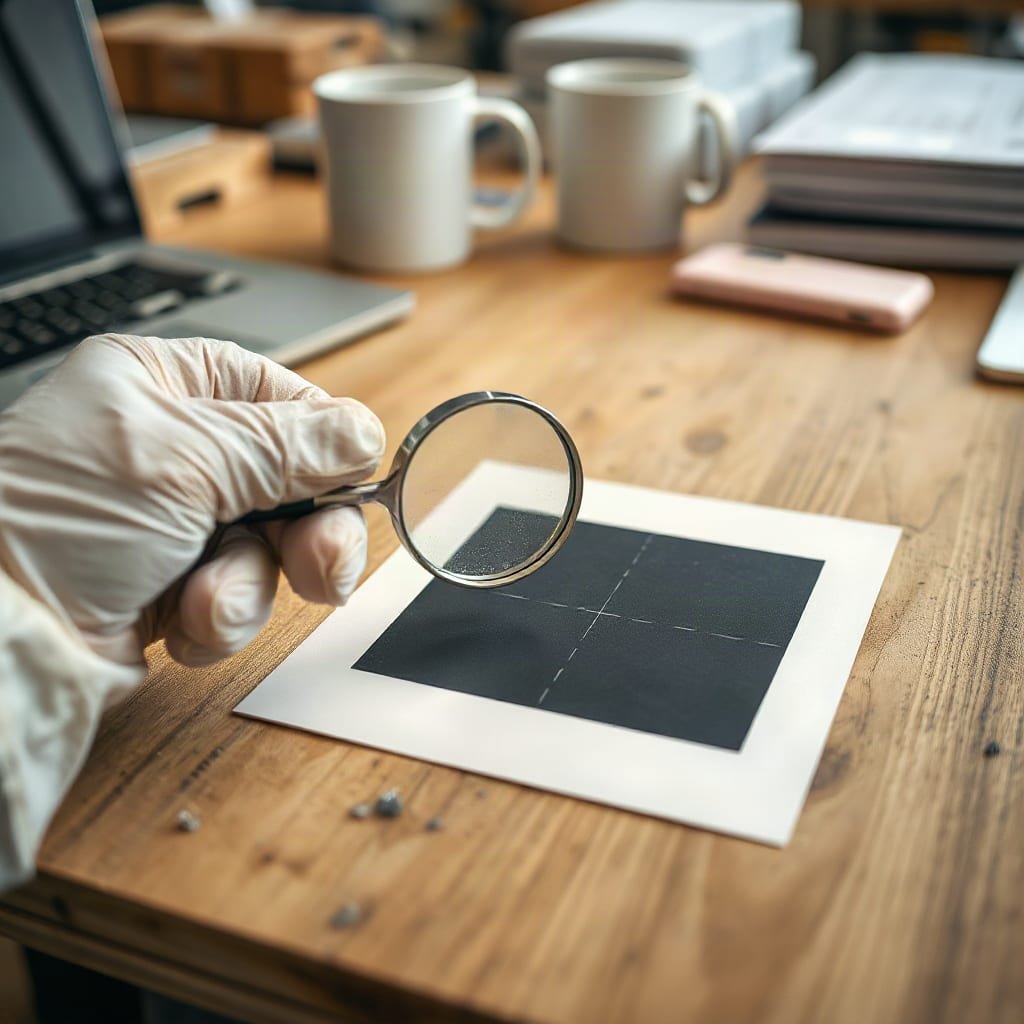
A PNG is a grid of pixels at one size. When print software enlarges it, the software invents intermediate gray pixels between the black and white ones, so every module edge gets a soft border. A phone camera can usually still read that. A cheap laser scanner on a worn label, or a code printed on textured stock, has a harder time.
The PNG specification from the W3C includes a chunk (pHYs) that records intended physical size, but exporters often leave it at 72 pixels per inch, and layout software may ignore it anyway. Do not count on the file to tell the printer how big it should be.
If PNG is your only option, size it so each module is a whole number of pixels. Take a version 3 QR code, which is 29 modules wide, and add the 4-module quiet zone on each side. That gives 37 modules across.
At 37 modules across, export at 481 pixels (13 px per module) or 962 pixels (26 px per module). Export at 480 and every module is 12.97 pixels wide, so the software blurs edges across the whole code.
The 481-pixel file prints at about 4.07 cm (1.6 in) at 300 dpi, and the 962-pixel file prints at the same size at 600 dpi. For hard-edged line art like a QR code, I would use the 600 dpi version.
Should you download a QR code as JPG or PNG?
PNG, every time. JPG compresses in 8×8 pixel blocks and discards detail, which leaves gray speckle around the sharp black-to-white edges that a QR code is made of. JPG also cannot store a transparent background, so a logo code placed on a colored label gets an ugly white box.
Why is PNG not suitable for print?
PNG is suitable when the size is fixed and the pixel math above is right. It is unsuitable when someone scales it later, which in practice means the moment a print shop drops it into a layout and nudges the corner handle. SVG has no pixel grid to break.
Where SVG Fails: Logos, Fonts, Effects and Hairline Gaps
"Vector is always safer" is wrong in several specific cases. Open the file in a different program from the one that made it before you approve it.
- A linked logo. Some SVGs reference the logo as an external file (
<image href="logo.png">). Send that SVG alone and the logo disappears on the printer's machine. The logo has to be embedded. - A raster logo inside the SVG. If the logo was embedded as a base64 PNG, that part of the file is not vector. It needs at least 300 pixels per inch at the final print size or it will look soft next to the crisp modules.
- Live text. If the logo contains type, convert it to outlines. A missing font gets swapped for a default one without warning.
- Shadows, blurs and blend modes. Print workflows may flatten these at a resolution you did not choose. A shadow near the modules also lowers contrast exactly where the scanner needs it.
- Hairline seams between modules. Many generators draw each module as its own square. Some viewers and print engines anti-alias the shared edges and show faint light lines inside dark areas. Merge the modules into one compound path before exporting.
How much logo is too much
The logo is a deliberate defect in the code, and error correction pays for it. Denso Wave, the inventor of the QR code, documents four correction levels, and the ISO/IEC 18004 standard defines them: L recovers about 7%, M about 15%, Q about 25% and H about 30%.
Level H can recover roughly 30% of a code. A logo spends part of that budget before ink spread, a crease or a scuff spends the rest.
Use level H for any logo code, and keep the logo well below the maximum. I would cap it near 15% of the code's area and test from there. The same standard calls for a quiet zone of 4 modules on every side, so do not crop it away in layout. For more on styling without breaking scans, see how to style a QR code without breaking the scan.
PDF Is What Your Printer Wants, and RGB Black Is the Trap
PDF is standardized as ISO 32000 and can hold vector shapes, embedded fonts and CMYK or spot colors together. That is why a print shop would rather receive it than a loose SVG. The catch is that a PDF made by "printing" a PNG to PDF is still a PNG, only wrapped. Open it and zoom in to 800% to check.
SVG is an RGB format. When a designer converts RGB black (#000000) to CMYK, some programs produce a four-ink mix instead of pure black. On a large block of color that looks fine. On a QR code, whose modules are only a few millimeters wide, the four plates can sit a hair out of register and leave colored fringes around every edge.
Pro Tip: In the final PDF, set the dark modules to 100% K (black ink only, with C, M and Y at zero) and leave the quiet zone as unprinted paper or a flat light tint. Then print a test at actual size and scan it with the oldest phone you can find. A code that reads on a three-year-old budget phone will read nearly everywhere.
If the logo itself is in brand colors, keep those colors in the logo only. The modules around it should stay single-ink black or a very dark single color with strong contrast against the background.
Converting Between Formats: Can You Turn a PNG into an SVG, and Where ICO Fits
Yes, you can turn a PNG into an SVG with a tracing tool (Illustrator calls it Image Trace, and Inkscape has Trace Bitmap). On a clean, high-resolution PNG of a plain QR code, the result is usually acceptable. On a logo code, tracing rounds corners, merges the logo's fine details and sometimes shifts modules by a fraction. Any of those can break a scan.
The better route is to regenerate the code from the URL in the original tool and export vector directly. Tracing is for cases where you have only an old PNG and no access to the source.
Related searches pull in PNG to ICO and SVG to ICO, which are a separate job. ICO is a Windows and favicon format that typically tops out at 256 × 256 pixels, so it has no place in a print workflow. Use it for browser tabs and desktop shortcuts only.
If you are weighing whether a branded code will survive in print at all, how to create a branded QR code that won't break covers the design side.
Cricut, iPhone and Other Odd Destinations
Cricut machines
Cricut Design Space accepts SVG uploads and treats each shape as a cut path, so SVG is the better format for cutting. For print-then-cut, a high-resolution PNG also works, but size it in Design Space before you print. If you cut a code out of vinyl as a stencil, the centers of the finder squares become loose islands, so test one before you cut a full sheet.
iPhone
Safari renders SVG, and the Files app previews it, but SVGs generally don't land in Photos as images. If you are exporting from an iPhone to paste into Messages, Pages or a Photos album, PNG is the path of least resistance. Keep the SVG for the printer.
The same rule holds on any device: PNG when the destination is a screen or an office document, SVG or PDF when it is ink.
Get Logo QR Codes You Can Reprint Without Replacing the Link
A bad export is cheap to fix if you catch it before the print run and expensive if you catch it after. The longer-term risk is the destination: a code printed on 5,000 boxes points at a URL that must keep working for years.
Kortli is a self-hosted link shortener you install on your own Linux server for a one-time payment, with no subscription to lapse. It generates styled QR codes with your logo embedded, and the code points to a short link on your own domain. You can change where that link goes without reprinting anything, and a short URL keeps the code at a lower version with larger modules, which makes your logo easier to scan. Our self-hosted QR code generator guide explains the setup trade-offs.
A redirect fixes a wrong destination but cannot fix a code that will not scan. Check the export formats available in the version you buy, including ours, and confirm you can get vector output before you commit to a print run.
Frequently Asked Questions
What is better, SVG or PNG, for a printed QR code?
SVG is better for print because it is a vector format and stays sharp at any size. PNG is better for screens, documents and fixed-size placements where nobody will rescale it. For the final handoff, a vector PDF is safer than either.
Why is PNG not suitable for print?
PNG stores a fixed grid of pixels, so enlarging it forces software to invent gray pixels along every module edge. It works if you export at the final size with a whole number of pixels per module, for example 13 px × 37 modules = 481 px. It breaks when a layout program rescales it.
Should I download a QR code as JPG or PNG?
Download PNG. JPG's lossy compression leaves gray speckle around the hard black-and-white edges of a QR code and cannot store a transparent background. If a vector option is offered, take it over both.
Can I turn a PNG into an SVG?
Yes, with a tracing tool such as Illustrator's Image Trace or Inkscape's Trace Bitmap. Results on a plain, high-resolution code are usually fine, but a logo code often comes out with rounded corners and shifted modules. Regenerating the code from the original URL is more reliable.
Does a PDF export keep a QR code sharp?
Only if the PDF contains vector shapes. A PDF made from a PNG wraps the same pixel grid, so it blurs when scaled. Zoom to 800% in a PDF viewer to check whether the edges stay crisp.
Sources
- Scalable Vector Graphics (SVG) 2 | W3C
- Portable Network Graphics (PNG) Specification | W3C
- QR Code standardization and error correction | Denso Wave
- ISO/IEC 18004:2015, QR Code bar code symbology specification | ISO
- ISO 32000-2:2020, Portable document format | ISO
Leave a Reply