
Styled QR codes are codes where the logo, colors, and corner shapes have been customized without breaking the code's ability to scan — not a QR code with a logo slapped on top. The distinction that matters is error correction budget: a well-styled code reserves enough redundant data to absorb the visual changes, while a code styled past that limit looks sharp and fails to scan on a meaningful share of phones.
TL;DR:
- A styled QR code works by spending part of its built-in error correction budget on decoration, not by ignoring the code's structure.
- The three squares in the corners are finder patterns that tell a scanner the code's position and rotation — cover one and the code is dead regardless of styling.
- QR codes max out at 2,953 bytes of binary data, which is why "image to QR code" tools encode a link to a photo, not the photo itself.
- Display size follows a simple rule: the code's width should be at least one-tenth of the farthest expected scanning distance.
- A static styled QR code locks in its destination forever; a dynamic one points to a short link you control, so you can swap the destination without reprinting anything.
Table of Contents
- What "Styled" Actually Means, and Where Decoration Becomes Damage
- The Three Squares, the Quiet Zone, and What You Can't Touch
- How Much Styling a Code Can Absorb Before It Fails
- Can You Scan a QR Code From a Picture? Yes, With One Catch
- How to Display a QR Code So It Actually Gets Scanned
- Free Generators, AI Styling, and Dedicated Editors: What You're Actually Choosing Between
- Where Styling Fits Into Your Actual Link Strategy
- Get Logo-Styled QR Codes You Actually Own
- Frequently Asked Questions
- Sources
What "Styled" Actually Means, and Where Decoration Becomes Damage
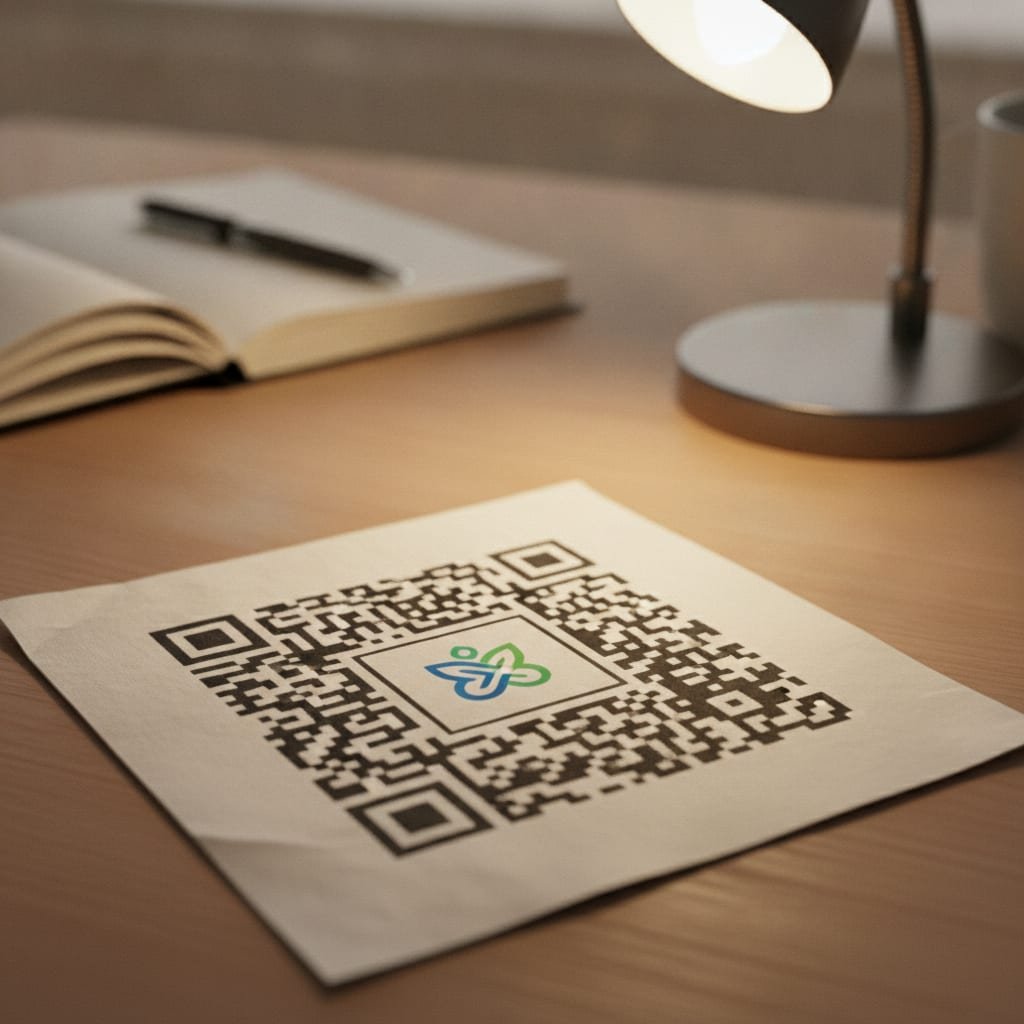
A QR code is just a grid of black and white squares encoding data, with built-in redundancy so a scanner can still read it if part of the grid is missing or obscured. Styling exploits that redundancy on purpose: you round the corner squares, recolor the modules, or drop a logo into the center, and the error correction layer quietly rebuilds whatever got covered up. That is different from what a lot of free generators actually do, which is overlay a logo on top of an unmodified code and hope the redundancy happens to be enough.
The gap between those two approaches is the whole story. A code designed with styling in mind reserves error correction capacity specifically for the logo footprint before anything gets placed. A code styled as an afterthought spends redundancy it didn't plan for, and the margin for a scratched phone screen, bad lighting, or a slightly blurry camera gets thinner. Both codes can look identical in a design mockup. Only one of them reliably scans in a parking lot at dusk.
The Three Squares, the Quiet Zone, and What You Can't Touch
Yes, QR codes still exist in enormous numbers, and they're not some proprietary or declining format — the QR code is an open, patent-free standard originally created by Denso Wave in 1994 and formalized internationally as ISO/IEC 18004. Every scanner on every phone decodes against that same specification, which is why a code generated by one tool reads fine in a completely different app.
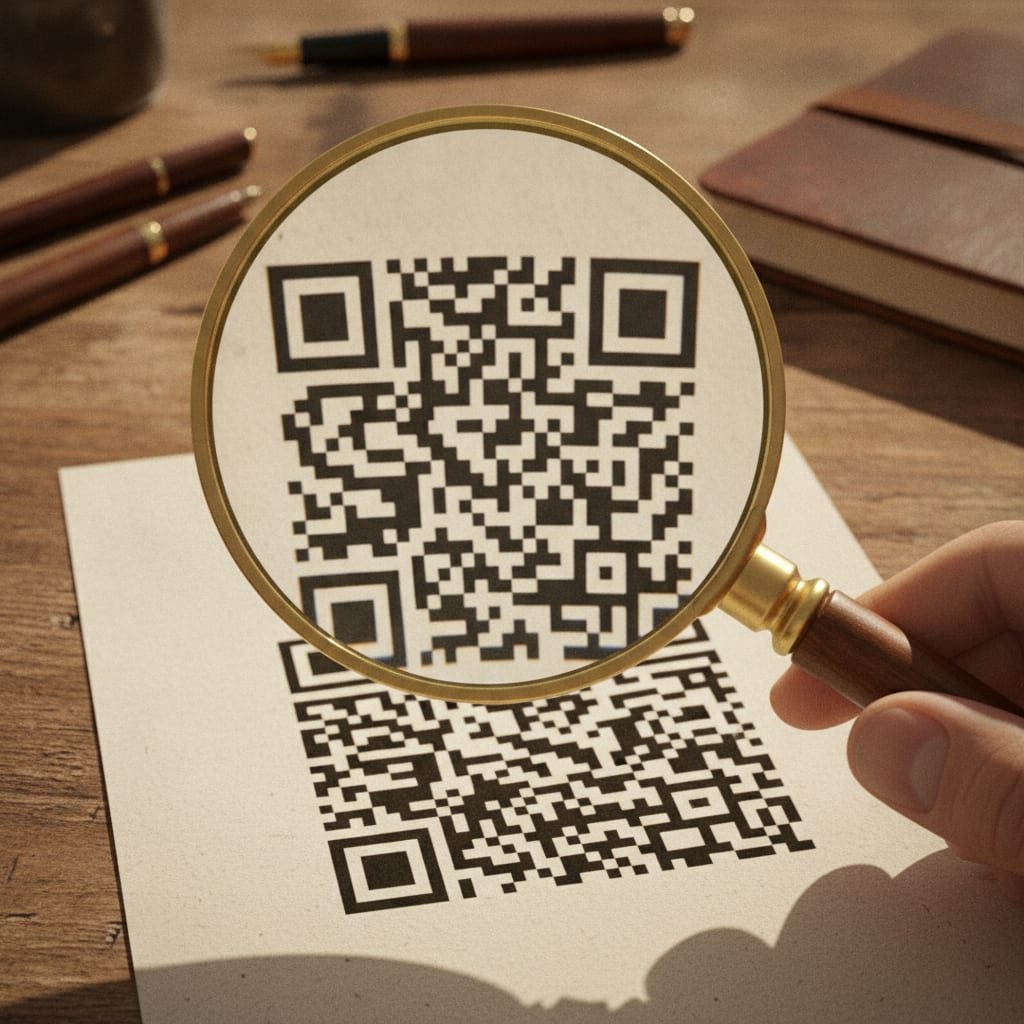
The three large squares in the corners are finder patterns. They exist so a scanner can locate the code instantly and work out its orientation, even if the phone is held sideways or the code is printed at an angle. Cover or distort even one finder pattern and most scanners give up immediately — this is the one part of a QR code that styling tools should never touch, and the better ones lock it from editing entirely. Surrounding the whole grid is a quiet zone, a blank border at least four modules wide on every side; crowd that border with text or graphics and you can break a code that looks otherwise untouched.
There are also variants most people never encounter: Micro QR codes drop to a single finder pattern for very short data strings, and GS1's Digital Link standard defines how a standard QR code can carry retail product data instead of just a URL. For branding purposes, though, the standard square QR code is what you want — it's what every scanner expects by default.
How Much Styling a Code Can Absorb Before It Fails
QR codes are generated at one of four error correction levels, and the level you choose sets a hard ceiling on how aggressive you can get with a logo or recoloring before scans start failing.
| Level | Data recoverable if damaged | Typical use |
|---|---|---|
| L | ~7% | Maximum data capacity, no logo, controlled printing conditions |
| M | ~15% | Default for most generators, small logo possible |
| Q | ~25% | Comfortable logo size, outdoor or low-light scanning |
| H | ~30% | Full logo plus color styling, business cards, posters, packaging |
At error correction level H, a QR code can lose up to 30% of its modules — logo, scratch, or coffee stain — and still decode correctly.
Level H is the one nearly every styled QR code tool defaults to, and for good reason: it's the only level with enough headroom to cover a logo that takes up roughly a fifth of the code's area and still leave margin for a bad print job or a cracked phone screen. The trade-off is data capacity — level H holds less raw information than level L at the same physical size, which matters if you're trying to cram a long URL into a small code. This is one of several reasons to shorten a URL with your own domain before you generate the code: a 20-character short link leaves far more error correction room than a 90-character tracking URL with five query parameters attached.
Can You Scan a QR Code From a Picture? Yes, With One Catch
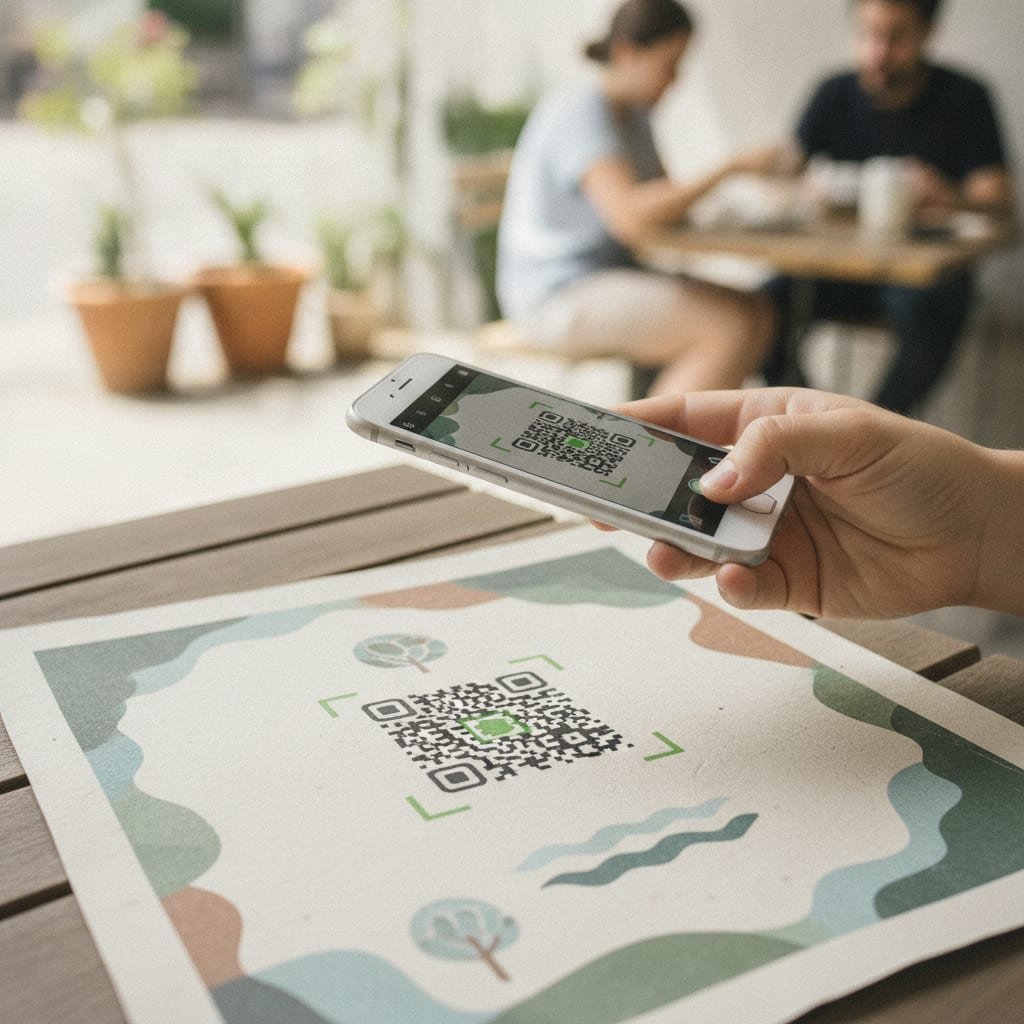
You can scan a QR code from a saved photo or screenshot on both iPhone and Android — point the native camera app at the image on another screen, or open the photo in Google Lens, and it decodes exactly as if you were looking at the printed original. The code doesn't know or care whether light bounced off paper or off a display; the math is the same either way.
Where people get confused is the reverse idea — turning an actual photograph into a QR code. That's not possible in any meaningful sense, because a single QR code tops out at 2,953 bytes of binary data at its largest standard size.
A single QR code holds a maximum of 2,953 bytes — nowhere near enough for a photo, only enough for a link to one.
So "image to QR code" tools don't embed the picture itself; they upload the image somewhere and encode a link to it, or they encode the image as the visual backdrop behind the code's modules for branding purposes, which is a styling choice, not a data one. Know which one a tool is offering before you build a campaign around it.
How to Display a QR Code So It Actually Gets Scanned
The most common reason a styled QR code fails has nothing to do with the logo — it's size and placement. The working rule is that a code's width should be at least one-tenth of the farthest distance anyone needs to scan it from. A code meant to be scanned from a meter away needs to be roughly 10 centimeters wide; a billboard code meant to be scanned from a moving car needs to be several times that.
- Contrast over color. Dark modules on a light background scan more reliably than color pairs that are close in brightness, even if the colors themselves look striking in a brand palette.
- Flat, non-reflective surfaces. Glossy laminate and curved packaging both introduce glare that confuses a camera's autofocus — matte finishes scan better even when the design is identical.
- Room to breathe. Keep the quiet zone clear and don't tuck the code into a corner near the edge of a page, menu, or poster where a thumb or fold line might cover part of it.
- Test on an old phone. Newer phones have better cameras and more forgiving decoding software; a code that scans instantly on a current flagship can stall for three seconds on a five-year-old Android.
Pro Tip: Test every styled QR code on the cheapest, oldest phone you can find before it goes to print — not your own phone. Camera quality and decoding software vary enormously across the installed base, and a code that scans on the first try on a new device can take several seconds or fail outright on an older one, which is exactly the gap between "looks fine in review" and "customers complain it doesn't work."
Free Generators, AI Styling, and Dedicated Editors: What You're Actually Choosing Between
Most tools in this space fall into three rough categories, and the differences matter more than the styling options themselves.
| Type | Cost | Logo support | Biggest limitation |
|---|---|---|---|
| Free web generators | $0 | Basic logo overlay | Static code baked into a fixed destination forever |
| AI-styled generators | Free to subscription | Full artistic styling, color washes | Heavier styling can push past safe error correction limits |
| Dedicated QR editors | Subscription or one-time | Logo, color, corner shape, templates | Often bundled with a hosted link shortener's recurring fee |
A free generator is fine for a one-off flyer. An AI-styled generator can produce genuinely striking codes, but push the styling too far — a full photographic background, heavy color washes — and you're relying entirely on error correction level H to save you, with no margin left for a bad print job on top of it. Dedicated editors solve the design problem well, but most of them are a feature bolted onto a hosted link shortener, meaning the styled code you built is tied to a subscription you'll keep paying as long as you want that code to keep working.
Where Styling Fits Into Your Actual Link Strategy
A styled QR code is still, underneath the design, encoding a URL — which means every decision you've made about your links applies here too. If that URL is a long, parameter-heavy tracking link, you've already spent error correction budget before the logo goes in; a free generator with logo support compared fairly against the paid options will show the same pattern every time: shorter encoded URL, more room for styling, better scan reliability.
The bigger decision is static versus dynamic. A static styled QR code has its destination baked directly into the grid — if the URL changes, you reprint every poster, sticker, and business card that used it. A dynamic styled QR code instead points to a short link you control, which means you can redirect it to a new page, run an A/B test between two destinations, or lock it with a password for a private audience, all without touching the printed code itself. For anything going on packaging, signage, or print runs larger than a handful of copies, dynamic is the only version worth using.
Get Logo-Styled QR Codes You Actually Own
Kortli generates styled, logo-embedded QR codes that point to short links running on your own server, for a one-time license fee instead of a recurring one. That means the dynamic routing, the click analytics, and the password-protected destinations all live on infrastructure you control — cancel nothing, lose nothing, and the code on your packaging from three years ago keeps working because the link behind it never depended on an ongoing subscription.
One honest limit: Kortli is self-hosted, which means you need a Linux server and some comfort running the install yourself — it is built for the technically comfortable business owner, not for someone who wants a fully managed, zero-setup dashboard. If that trade-off works for you, check the spec sheet; if you need a hosted, click-and-go experience with no server of your own, a subscription tool will suit you better.
Frequently Asked Questions
How do I display a QR code so it actually gets scanned?
Size it so its width is at least one-tenth of the farthest distance someone needs to scan it from, print it on a matte rather than glossy surface to cut down on glare, and keep the quiet zone — the blank border around the code — completely clear of text or graphics.
What do the three squares on a QR code mean?
They're called finder patterns, and they let a scanner instantly locate the code and determine its orientation even if it's tilted or printed at an angle. They're the one part of a QR code that should never be covered, resized, or recolored, since doing so breaks the scan regardless of how the rest of the code is styled.
Can I scan a QR code from a picture or screenshot?
Yes. A QR code decodes the same way whether a camera is pointed at printed paper or at an image on a screen, so a saved photo, a screenshot, or an image opened in a phone's photo app will all scan normally with a standard camera app or a tool like Google Lens.
Are QR codes still a current, supported standard?
Yes — the QR code is an open, patent-free standard formalized internationally as ISO/IEC 18004, originally created by Denso Wave in 1994, and it's what every modern phone's camera decodes against by default. It hasn't been replaced; styling, logos, and dynamic routing are additions on top of the same underlying standard.
What's the real difference between a static and dynamic styled QR code?
A static code has its destination URL encoded directly into the grid, so changing where it points means reprinting the code entirely. A dynamic code encodes a short link you control instead, letting you change the destination, run split tests, or password-protect the page behind it without ever touching the printed code.
Do styled QR codes need more error correction than plain ones?
Yes, in practice almost all logo-styled or heavily recolored codes are generated at error correction level H, which tolerates roughly 30% damage or obstruction, compared to about 7% at the lowest level. That headroom is what lets a logo sit in the center without breaking the scan.
Sources
- ISO/IEC 18004:2015 — QR Code Bar Code Symbology Specification | ISO
- History of the QR Code | Denso Wave
- GS1 Digital Link Standard | GS1
Leave a Reply