
A QR code generator with logo lets you drop your brand mark inside the code itself, not just above or below it — but the real distinction that matters is whether the tool gives you a static code (fixed forever) or a dynamic one (editable, trackable, and dependent on someone else's server staying online). Free tools handle the logo fine. Few handle the second part honestly.
TL;DR:
- Yes, you can embed a logo in a QR code — most generators use Level H error correction, which tolerates up to 30% obstruction, to make room for it.
- The FBI's warning about QR codes is about criminals swapping real codes for malicious ones on parking meters and menus, not about logos or design.
- QRCode Monkey and Canva are solid free static options; free dynamic (editable, trackable) QR codes almost always cap monthly scans or expire on a subscription.
- There's no dedicated Google QR code generator product — Chrome's built-in share menu makes a basic static code, with no logo and no analytics.
- "No expiration" claims only apply to static codes with no server behind them; dynamic codes can stop working the day you stop paying, even though the printed image looks identical.
Table of Contents
- Can You Put a Logo in a QR Code? Yes — Here's the Standard That Makes It Possible
- The FBI Warning About QR Codes, and What It Actually Covers
- Best Free QR Code Generator With a Logo: How the Big Names Actually Compare
- Is Google's QR Code Generator Really Free? (There Isn't One)
- Free QR Code Generator With No Expiration: The Fine Print Nobody Reads
- Static vs. Dynamic Logo QR Codes: Picking the Right One for the Job
- How to Design a Logo QR Code That Scans on the First Try
- Own the Link Behind Every QR Code You Print
- Frequently Asked Questions
- Sources
Can You Put a Logo in a QR Code? Yes — Here's the Standard That Makes It Possible
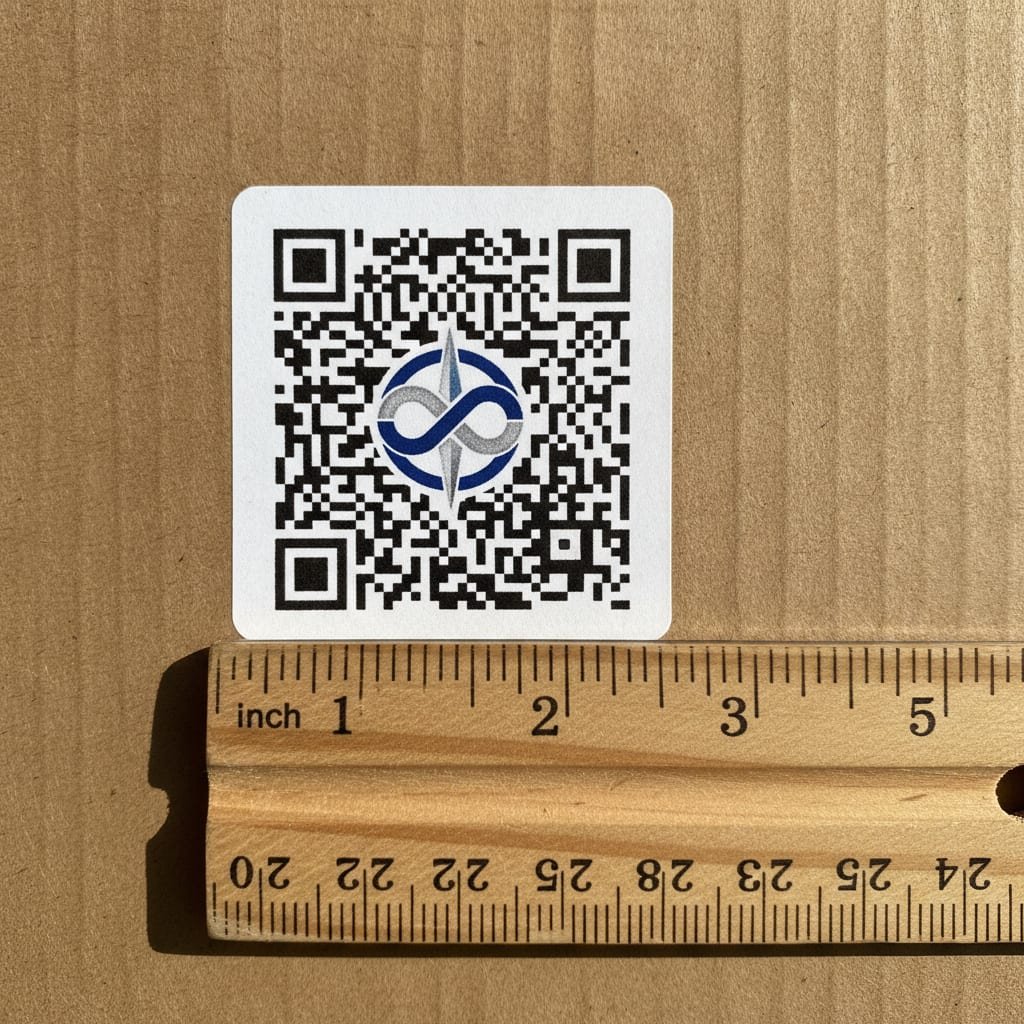
Every QR code carries built-in error correction, defined by the ISO/IEC 18004 standard that Denso Wave, the Japanese company that invented the QR code in 1994, still maintains. Four levels exist: L (recovers from about 7% data loss), M (15%), Q (25%), and H (30%). A logo generator simply picks Level H, punches a logo-sized hole in the center of the code, and lets the error correction fill in the rest mathematically when a scanner reads it. That's the entire mechanism — no special trick, no proprietary format, just math that was designed for exactly this kind of interference.
Level H error correction can recover a QR code even if 30 percent of it is damaged, unreadable, or covered by a logo. That's the whole trick behind every "QR code with logo" tool on the market.
This is also why every major free generator — QRCode Monkey, Canva, Adobe Express, the rest — offers logo upload as a standard feature rather than a premium one. There's no cost difference to the provider in turning on Level H versus Level M. If a tool charges you extra just to add a logo, that's a business decision, not a technical one.
The FBI Warning About QR Codes, and What It Actually Covers
The FBI's Internet Crime Complaint Center (IC3) issued a public warning that cybercriminals were physically replacing legitimate QR codes — on parking meters, restaurant menus, and flyers — with stickers pointing to malicious sites designed to steal payment information. The Federal Trade Commission has published similar consumer guidance on what it calls "quishing," QR-code phishing, urging people to check a URL preview before scanning and to be wary of codes on unsolicited mail or public surfaces.
None of this has anything to do with logos or design. A logo embedded in a QR code doesn't make it more or less trustworthy — the danger is entirely in the link behind the code, which a logo can't reveal or hide. The actual risk factor is who controls that destination link and whether it can be changed after the code is printed, which is precisely why the static-versus-dynamic distinction later in this article matters more than which tool made the code look nice.
Pro Tip: Before you print a batch of logo QR codes for physical signage, scan a test print with an older Android phone's stock camera app, not just an iPhone. iOS has read QR codes natively since 2017 and is forgiving of imperfect contrast; a lot of budget Android camera apps are not, and a code that scans fine on your desk can fail under fluorescent store lighting six feet away.
Best Free QR Code Generator With a Logo: How the Big Names Actually Compare
All of these will get a logo into a code. The differences show up once you ask what happens after you hit download.
| Generator | Logo upload | Dynamic (editable) codes | Free-tier limits | Price to remove limits |
|---|---|---|---|---|
| QRCode Monkey | Yes | Static only on free plan | None on static codes | Paid API for dynamic |
| Adobe Express | Yes | No | None on static codes | Adobe subscription |
| Canva | Yes | No | None on static codes | Canva Pro subscription |
| Hovercode | Yes | Yes | Scan caps on free plan | Monthly subscription |
| QR.io | Yes | Yes | Scan caps on free plan | Monthly subscription |
| Kortli | Yes | Yes, self-hosted | None — you control the server | One-time license |
If all you need is a static logo QR code for a one-time flyer or business card, QRCode Monkey or Canva will do the job with zero friction and no account required. If you need the code to keep working — and keep reporting scans — after you've printed it on packaging or a storefront window, a static-only tool is the wrong tool no matter how good the logo placement looks.
Is Google's QR Code Generator Really Free? (There Isn't One)
A lot of people search for a "Google QR Code Generator" expecting an official product, and there isn't one. What exists is a feature inside the Chrome browser: right-click any page, or tap the share icon on mobile Chrome, and choose "QR code" to generate a basic black-and-white code for that URL. It's free, it's genuinely useful for a quick share between your phone and laptop, and it has no logo option, no color customization, no analytics, and no way to edit the destination afterward. It's a browser convenience, not a marketing tool, and treating it as a competitor to a dedicated generator is comparing the wrong two things.
Free QR Code Generator With No Expiration: The Fine Print Nobody Reads
This is where most comparisons get sloppy. A static QR code — one where the logo, colors, and destination URL are baked into the image at creation — genuinely never expires, because there's no server involved after you download it. The image is the whole product. Print it on a wall and it will scan in ten years exactly as it does today.
A QR code image never expires. What expires is the redirect sitting behind it — and that's controlled by whoever hosts the short link, not by you.
A dynamic QR code works differently: the printed code points to a short link on the provider's server, and that server decides where the scan actually goes. Change the destination without reprinting anything — genuinely useful — but the trade-off is that the code's usefulness now depends entirely on that company staying in business and you staying subscribed. Cancel a plan, and the QR code on your storefront window, your product packaging, or your printed catalog can go dead overnight, even though the physical sticker looks unchanged. That's the version of "expiration" that actually bites people, and it's rarely mentioned next to the "free forever" claim on a generator's homepage.
Static vs. Dynamic Logo QR Codes: Picking the Right One for the Job
The honest answer is that both are correct tools for different jobs, and the mistake is picking based on which one looks free rather than which one matches how long the code needs to live.
- Static is right for anything permanent and unchanging. A logo on a business card, a one-off event flyer, a code etched into a product manual — if the destination will never need to change, static removes the ongoing dependency entirely.
- Dynamic is right for anything printed at scale or meant to last years. Packaging, storefront signage, vehicle decals, and menus all get reprinted rarely and expensively; a dynamic code lets you fix a broken link or redirect a seasonal promotion without touching the printed material at all.
- Dynamic only pays off if you control the server it depends on. Renting that dependency from a subscription service reintroduces the exact expiration risk static codes were supposed to avoid — you've just moved the failure point from the QR code to your credit card statement.
How to Design a Logo QR Code That Scans on the First Try
Size and Placement
Keep the logo centered and no larger than roughly 20–25% of the code's total area, even though Level H theoretically tolerates up to 30%. That extra margin protects against real-world print variance — slightly low ink density, a scanner held at an angle, a phone camera that hasn't focused yet.
Contrast and Color
Dark modules on a light background scan more reliably across the widest range of cameras and lighting conditions than the inverse. Colored codes work fine as long as there's strong contrast between the foreground and background — a light gray code on white, for instance, is a common failure mode that looks fine on a monitor and fails under store lighting.
Testing Before You Print
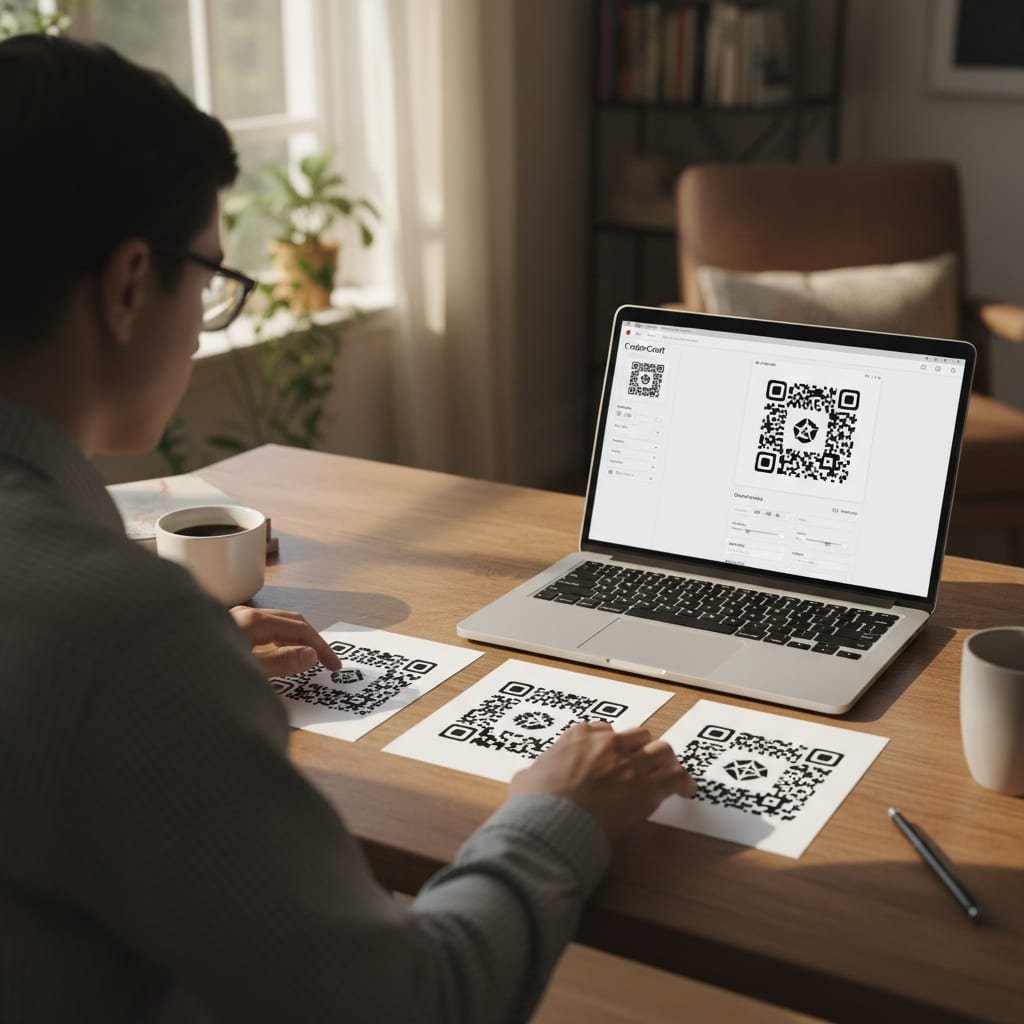
Generate a test print at the actual size you intend to use — a code that scans perfectly on a laptop screen at 400% zoom can fail at business-card size once it's printed at 300 DPI. Test with at least two different phone models before ordering a print run of any size.
Own the Link Behind Every QR Code You Print
A logo makes a QR code look like yours. It doesn't make the link behind it yours — that still belongs to whichever company hosts the redirect, and that's the part every comparison above skips. Kortli is a self-hosted link shortener you install on your own Linux server for a one-time payment, and it generates styled, logo-embedded QR codes on links that only stop working if your server does, not if you cancel a plan. You get branded short domains with no per-domain fee, password-protected links, A/B testing, and click analytics that never leave your infrastructure. One caveat: it requires a Linux server and basic comfort with the command line to set up — if you want a zero-setup drag-and-drop tool for a single flyer, one of the free generators above is the faster choice today.
Frequently Asked Questions
Can I make a QR code with a logo?
Yes. Nearly every free QR code generator supports it by using Level H error correction, which is built into the ISO/IEC 18004 QR standard and tolerates up to 30% of the code being obscured. That headroom is exactly enough to place a logo in the center without breaking the scan.
What is the FBI warning about QR codes?
The FBI's Internet Crime Complaint Center warned that criminals have physically replaced legitimate QR codes on things like parking meters and menus with stickers linking to phishing or payment-theft sites. It has nothing to do with logos or code design — the risk is entirely in the destination link, which is why knowing who controls that link matters.
What is the best free QR code generator with a logo?
For a single static code you'll never need to edit, QRCode Monkey and Canva both offer solid free logo support with no sign-up friction. For a code that needs to keep working and reporting data after it's printed, look for a dynamic tool instead, since static generators don't offer editing after creation.
Is Google's QR code generator free?
There is no dedicated Google product called a QR code generator. Chrome's browser has a built-in share feature that creates a basic, free, static QR code for any URL, but it has no logo option, no color customization, and no analytics.
Does a QR code with a logo scan differently than a plain one?
Not if it's built correctly. A logo QR code uses higher error correction than a plain code typically needs, which means it's actually more resistant to smudges, low print quality, and partial damage, not less reliable.
What happens to my QR code if I cancel a subscription-based generator?
A static logo QR code keeps working forever because it has no server dependency. A dynamic (editable, trackable) QR code from a hosted service typically stops redirecting correctly the moment you cancel, even though the printed image looks unchanged.
Sources
- Cybercriminals Use Malicious QR Codes to Steal Money | FBI Internet Crime Complaint Center (IC3)
- That QR Code You Scanned? It Could Be a Scam | Federal Trade Commission
- QR Code Standardization | Denso Wave
- ISO/IEC 18004: QR Code Bar Code Symbology Specification | International Organization for Standardization
Leave a Reply