

An open source link shortener gives you the source code to inspect, modify, and run yourself — that's a different promise than a hosted shortener makes, and it's not automatically the better one. The distinction that actually matters isn't open versus closed, it's self-hosted versus managed: open source software still requires you to run a server, patch it, and keep it online, while a one-time self-hosted product can hand you the same data ownership without the sysadmin homework.
TL;DR:
- Open source means you can read and modify the code — it doesn't mean setup, hosting, or maintenance are free or automatic.
- YOURLS, Shlink, and Kutt are the three most actively maintained self-hosted shorteners; several older projects like Polr have slowed to a crawl.
- A $5-a-month VPS and 15 minutes of terminal time is the realistic cost of "free" self-hosted software, not zero.
- Chrome extensions and Android apps for these tools are mostly third-party wrappers around an API — check who built them before installing.
- If you want the control of self-hosting without maintaining a server yourself, a one-time-payment self-hosted product closes that gap.
Table of Contents
- The Question Behind the Question: Do You Want Code, or Do You Want Control?
- What "Open Source" Actually Buys You, and What It Doesn't
- The Open Source Link Shorteners People Actually Compare
- Self-Hosted vs. Fully Managed: What You're Actually Trading
- Chrome, Android, and HTML: The Related Tools Nobody Explains Clearly
- When "Open Source" Is the Wrong Answer, Even If It's Free
- Own Your Short Links Without a Monthly Bill
- Frequently Asked Questions
- Sources
The Question Behind the Question: Do You Want Code, or Do You Want Control?
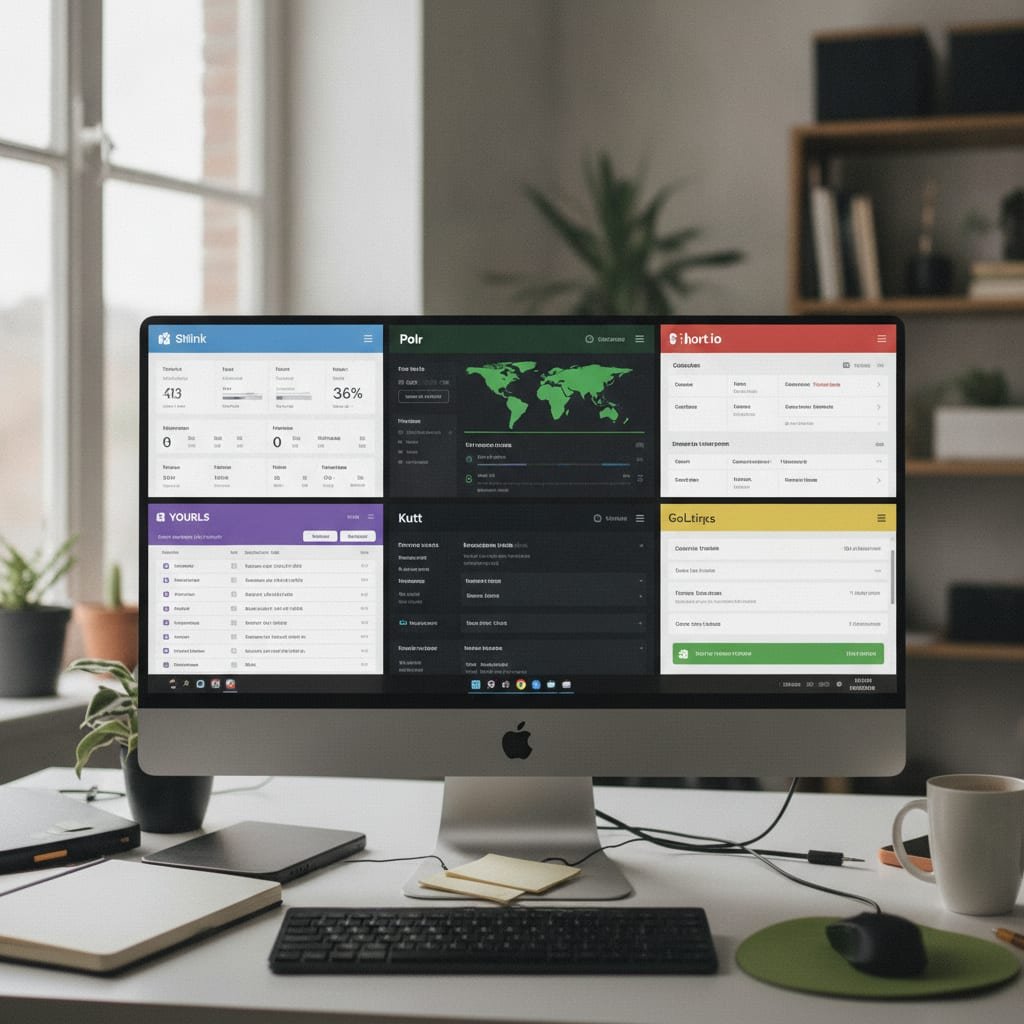
Most people typing "open source link shortener" into Google aren't actually after source code. They're after something a hosted shortener took away from them: control over their own links, their own click data, and their own bill. Open source software is one path to that control, but it's not the only one, and it comes with real work attached — a server to patch, a database to back up, updates to apply before a security advisory catches you unpatched. Before you pick a project, decide which problem you're actually solving.
What "Open Source" Actually Buys You, and What It Doesn't
Open source gives you three concrete things: the right to read the code, the right to modify it, and the right to run it wherever you want, forever, with no vendor able to shut it off. It does not give you hosting, backups, uptime, or support — those are jobs you take on yourself or pay someone else to do.
- License terms decide what you can do with it commercially. Most shorteners in this space use MIT or a similarly permissive license, which lets you fork, rebrand, and even resell a modified version as long as you keep the original copyright notice intact.
- "Free" refers to the code, not the server. GitHub will host the repository for nothing; it will not host your links. That part is on you or a hosting provider.
- Community maintenance is not guaranteed to continue. Check a project's commit history before you commit your business to it — a repository with no commits in two years is a warning sign, not a stable product.
MIT license lets you fork, modify, and even sell a derivative product with zero restriction beyond keeping the original copyright notice.
The Open Source Link Shorteners People Actually Compare

A handful of projects come up in nearly every search on this topic. Here's what each one actually is, stripped of marketing.
YOURLS
YOURLS ("Your Own URL Shortener") has been around since 2009 and is written in PHP with a MySQL backend. It's the oldest actively maintained option here, which cuts both ways — the plugin ecosystem is large, but the core codebase carries some age in how it handles modern PHP standards. It's MIT licensed and runs on nearly any shared hosting plan that supports PHP.
Shlink
Shlink is a newer, more actively developed self-hosted shortener built on PHP/Symfony with a companion CLI and a full REST API. It's the closest thing in the open source space to a "modern" architecture — Docker support, structured logging, and real analytics out of the box. It asks more of your server than YOURLS does, but it repays that with cleaner data.
Kutt
Kutt is a Node.js-based shortener with a polished web interface and an MIT license. It's popular partly because the project also offers a free hosted version, so you can try the interface before deciding whether to self-host it. The self-hosted version needs a Postgres or Redis backend, which adds a step most PHP-based alternatives skip.
Link Rift and Syano
Both are newer entrants — smaller codebases, fewer features, and correspondingly less to configure. They're reasonable choices if you want a minimal shortener and don't need analytics, split testing, or multi-user support. Treat "newer" as a trade-off: less baggage, but also less time in production catching edge cases.
Polr
Polr shows up in a lot of "best of" lists from a few years ago, but development activity has slowed considerably. If you're comparing options today, check the commit history before you build anything on it — a shortener holding thousands of branded links is a bad place to discover a project has gone quiet.
| Project | License | Stack | Best For | Watch Out For |
|---|---|---|---|---|
| YOURLS | MIT | PHP + MySQL | Simple installs, shared hosting | Older codebase conventions |
| Shlink | MIT | PHP/Symfony | Teams wanting a real API and analytics | Higher server requirements |
| Kutt | MIT | Node.js + Postgres/Redis | Developers comfortable with a JS stack | Needs two backend services |
| Link Rift / Syano | Varies | JS frameworks | Minimal, single-purpose use | Smaller community, fewer features |
| Polr | GPL | PHP | Legacy installs already running it | Slowed maintenance |
Pro Tip: Before installing any self-hosted shortener, check whether it validates redirect targets server-side. Open Web Application Security Project (OWASP) documentation on open redirect vulnerabilities flags exactly this pattern — a shortener that blindly redirects to any submitted URL can be abused to disguise phishing links behind your trusted branded domain. Read the project's issue tracker for "open redirect" before you deploy it publicly.
Self-Hosted vs. Fully Managed: What You're Actually Trading
Every open source shortener eventually asks the same question a hosted shortener does: who's running the server? The difference is who you're paying and what happens if you stop.
- Cost structure. A hosted plan bills you monthly for as long as you use it; a self-hosted install costs whatever your VPS runs — commonly $5 to $10 a month — plus your own time.
- What happens if you stop paying. Cancel a hosted plan and your branded links typically stop resolving within days, per most hosted providers' standard terms. Stop paying for your own VPS and the links stop working too — but you control when that happens, and you can migrate the server elsewhere first.
- Who sees your click data. On a hosted platform, your traffic patterns, referrer data, and audience geography live on someone else's infrastructure, subject to their retention and data-sharing policies. On a self-hosted install, that data doesn't leave your server unless you send it somewhere.
- Maintenance burden. Hosted means someone else patches the software. Self-hosted means that's your job — or the job of whoever manages your server.
Chrome, Android, and HTML: The Related Tools Nobody Explains Clearly
A lot of searches around this topic aren't about the server software at all — they're about a browser extension, a phone app, or a simple embeddable widget.
- Chrome extensions for these tools are almost always third-party wrappers that call the project's REST API to shorten a link from your address bar. They're convenient, but they need your API key stored locally, so only install one from a developer whose code you can actually read.
- Android apps work the same way — a thin client hitting your self-hosted API. Most of the "official" projects listed above don't ship a first-party mobile app; what shows up in app stores is usually community-built.
- "HTML" shorteners usually refer to a single-file, no-database script you can drop on any web host — useful for a quick personal project, but not something you'd want managing thousands of branded business links without a real database behind it.
A repository with no commits in two years is a bigger risk to a business than any feature it's missing.
When "Open Source" Is the Wrong Answer, Even If It's Free
Here's the trade-off most comparison pages skip: open source is the right call when you have someone on staff who can patch a PHP or Node.js server on short notice. It's the wrong call when you don't — because a shortener that goes down or gets compromised isn't a minor inconvenience, it's every marketing email, business card, and print ad with that domain on it failing at once. If your team's technical bandwidth is thin, the honest move is a self-hosted product that someone else built and hardened, not a from-scratch open source install you're now responsible for babysitting. Features like password-protected links and logo-embedded QR codes also take real development time to build correctly and securely — time worth checking a project has actually spent before you rely on it.
Own Your Short Links Without a Monthly Bill
If the appeal of open source was never the code itself but the idea of owning your links outright, Kortli gets you there without asking you to become your project's part-time maintainer. It's a self-hosted link shortener you install on your own Linux server for a one-time payment — no per-domain fees for branded custom domains, plus password-protected links, A/B split testing, styled QR codes with your logo, and click analytics that stay on your server, not someone else's. The honest caveat: you still need a server to run it on, and if your team has zero comfort with Linux, budget for someone who does before you buy. Check the spec sheet for current server requirements before committing.
Frequently Asked Questions
Is an open source link shortener actually free?
The code is free to download and modify, but running it still costs money — typically a few dollars a month for a small virtual server, plus your time for setup and maintenance. "Free" applies to the license, not the infrastructure.
What's the difference between a self-hosted shortener and a hosted one like Bitly?
A hosted shortener runs on the provider's servers, bills you monthly, and stops resolving your links if you cancel. A self-hosted shortener runs on a server you control, so your links and click data stay yours regardless of what any vendor decides to charge later.
Which open source link shortener is most actively maintained right now?
Shlink and YOURLS both show regular ongoing development, with YOURLS having the longer track record since 2009. Kutt is also active and adds a modern Node.js stack, while some older projects like Polr have slowed significantly — always check the commit history before choosing.
Can I use a Chrome extension or Android app with these shorteners?
Yes, but most extensions and apps for these projects are unofficial, third-party clients built against the project's API rather than tools from the original developers. Verify who built the extension and what it does with your API key before installing it.
Do open source shorteners come with analytics and QR codes built in?
It depends on the project — Shlink and Kutt include basic click analytics, while QR code generation and advanced features like password protection or split testing vary widely or require plugins. If those features matter to you, confirm they're included before you build a workflow around a specific tool.
Is a one-time-payment self-hosted product the same thing as open source software?
Not necessarily — a one-time-payment product like Kortli gives you a license to run on your own server permanently without a subscription, but the source code isn't necessarily open for you to modify. It solves the same "own your links" problem as open source without requiring you to maintain the project yourself.
Sources
- YOURLS — Your Own URL Shortener | YOURLS
- Shlink: The URL Shortener | Shlink
- The MIT License | Open Source Initiative
- Unvalidated Redirects and Forwards Cheat Sheet | OWASP
- General Data Protection Regulation | EUR-Lex
Leave a Reply