
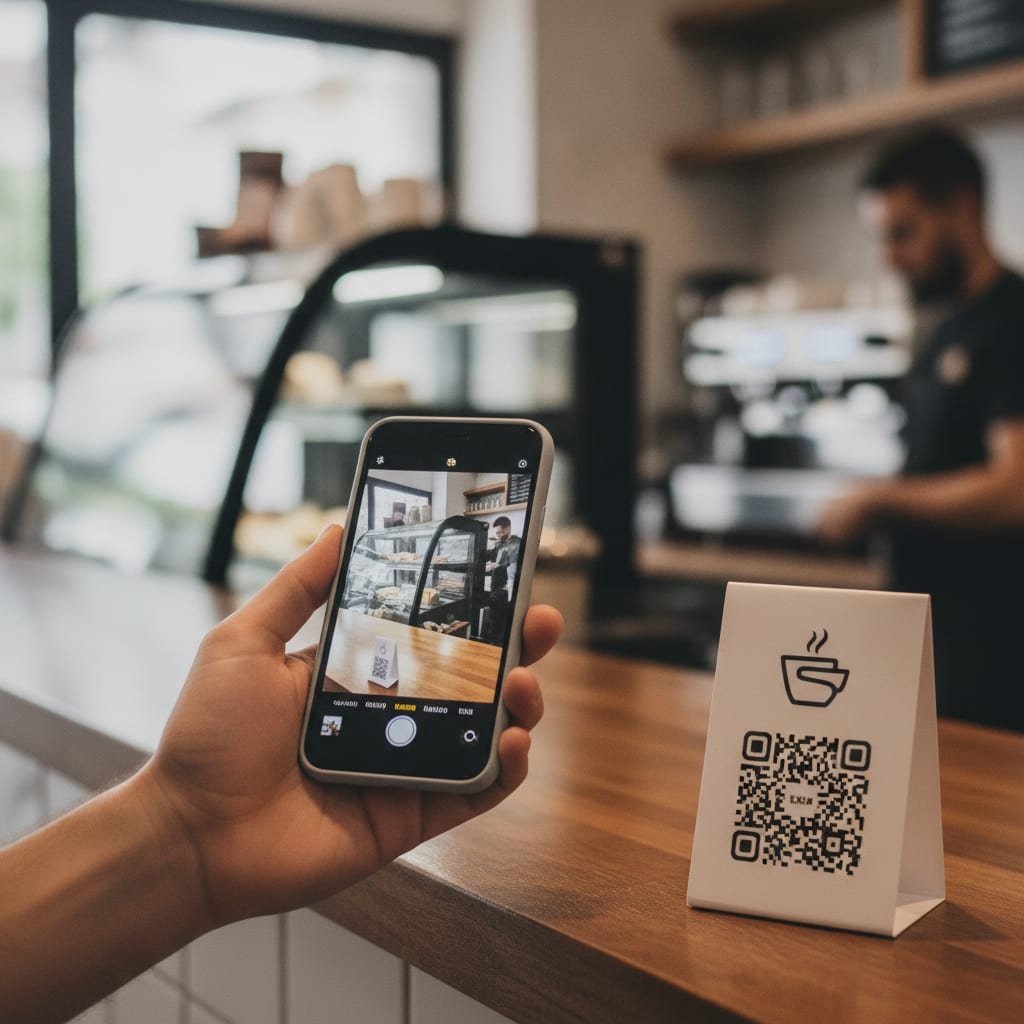
A self-hosted QR code generator is software you run on your own server instead of a third-party website, which means the codes you create, and the click data they collect, stay under your control rather than a vendor's. The distinction that actually matters isn't free versus paid — it's static versus dynamic. A static code works forever because the destination is baked into the pixels; a dynamic one only works as long as whoever's server is handling the redirect stays online.
TL;DR:
- Static QR codes never expire because the destination is encoded directly in the pixels; dynamic ones only work as long as the redirect server does.
- The FBI and FTC have both warned about "quishing" — malicious QR codes glued over real ones to steal credentials.
- Self-hosting means running the generator on your own Linux box or VPS so you own the code, the data, and the uptime, not a vendor's SaaS plan.
- ChatGPT can produce a QR code image by running Python's qrcode library through code execution, not by rendering pixels directly from text.
- Open-source tools like QRding suit solo tinkerers, but pairing QR codes with a self-hosted link shortener adds click analytics and logo branding most generators skip.
Table of Contents
- Static vs. Dynamic: The Difference That Decides Whether Your Code Still Works in 2030
- Why Hosting It Yourself Changes Who Can See Every Scan
- The FBI's Quishing Warning, and What It Actually Means for Your Codes
- How to Host Your Own QR Code Generator, Step by Step
- The Best Self-Hosted QR Code Generators, Compared
- Is There a Free QR Code Generator That Will Last Forever?
- Can ChatGPT Generate QR Codes? What AI Tools Can (and Can't) Do
- Branding a QR Code Without Breaking the Scan
- Get a Self-Hosted QR Generator That's Actually Tied to a Link You Own
- Frequently Asked Questions
- Sources
Static vs. Dynamic: The Difference That Decides Whether Your Code Still Works in 2030
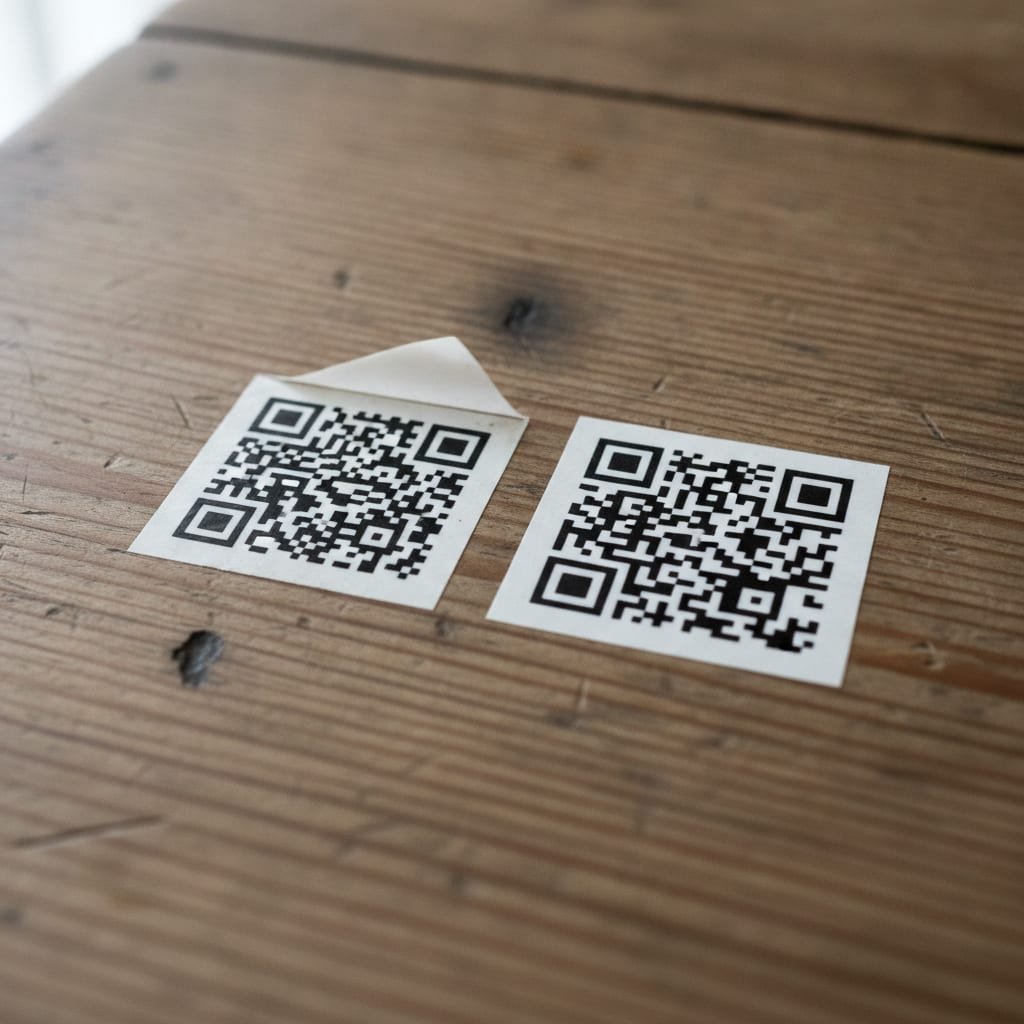
Every QR code, regardless of which generator made it, falls into one of two categories, and most comparison pages blur the line between them. A static QR code has the final destination — a URL, a phone number, a block of plain text — burned directly into the pattern of black and white squares. Nothing about it depends on a server being online, so it scans exactly as well in 2030 as it did the day you printed it, provided no one repaints the sign it's stuck to. A dynamic QR code instead encodes a short redirect link; scanning it sends your phone to a server that looks up where you actually meant to send people. That extra hop is what lets you edit the destination without reprinting anything, but it also means the code is only as permanent as the company running the redirect. For more on how that lookup step works mechanically, see our guide to how URL shorteners route traffic.
Why Hosting It Yourself Changes Who Can See Every Scan
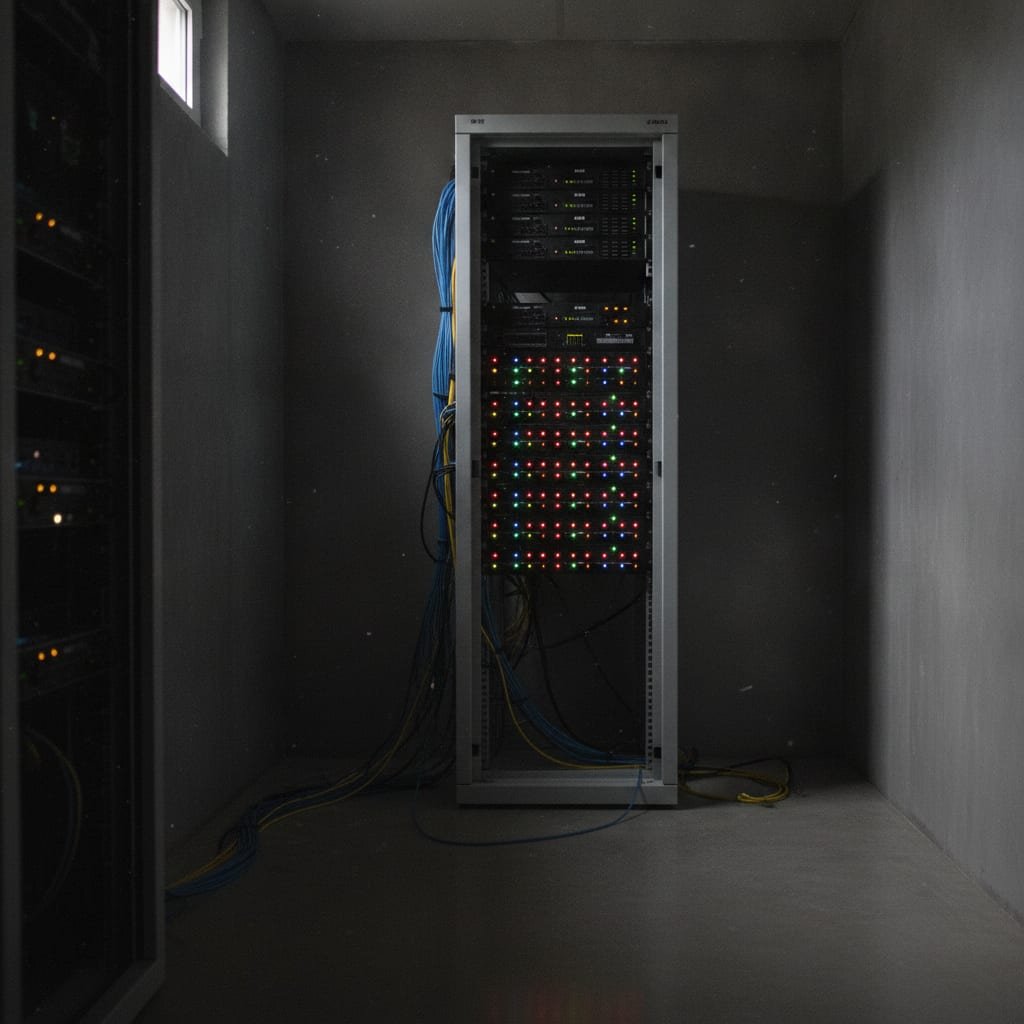
When a hosted QR or link-shortening service generates your dynamic code, it also logs every scan: timestamp, approximate location, device type, sometimes the referring app. That data lives on their servers, under their retention policy, subject to their pricing changes and, eventually, their decision about whether your account is still worth keeping active. Self-hosting moves that log file onto hardware you control — a VPS, a home server, a company rack — so the only privacy policy that applies is the one you write. This matters most for businesses that print QR codes on anything regulated or sensitive: patient intake forms, financial disclosures, event badges tied to attendee lists. It also matters for the mundane reason that a vendor can raise prices or shut down a free tier with thirty days' notice, and a code glued to five hundred storefront windows doesn't get to wait for you to migrate.
The FBI's Quishing Warning, and What It Actually Means for Your Codes
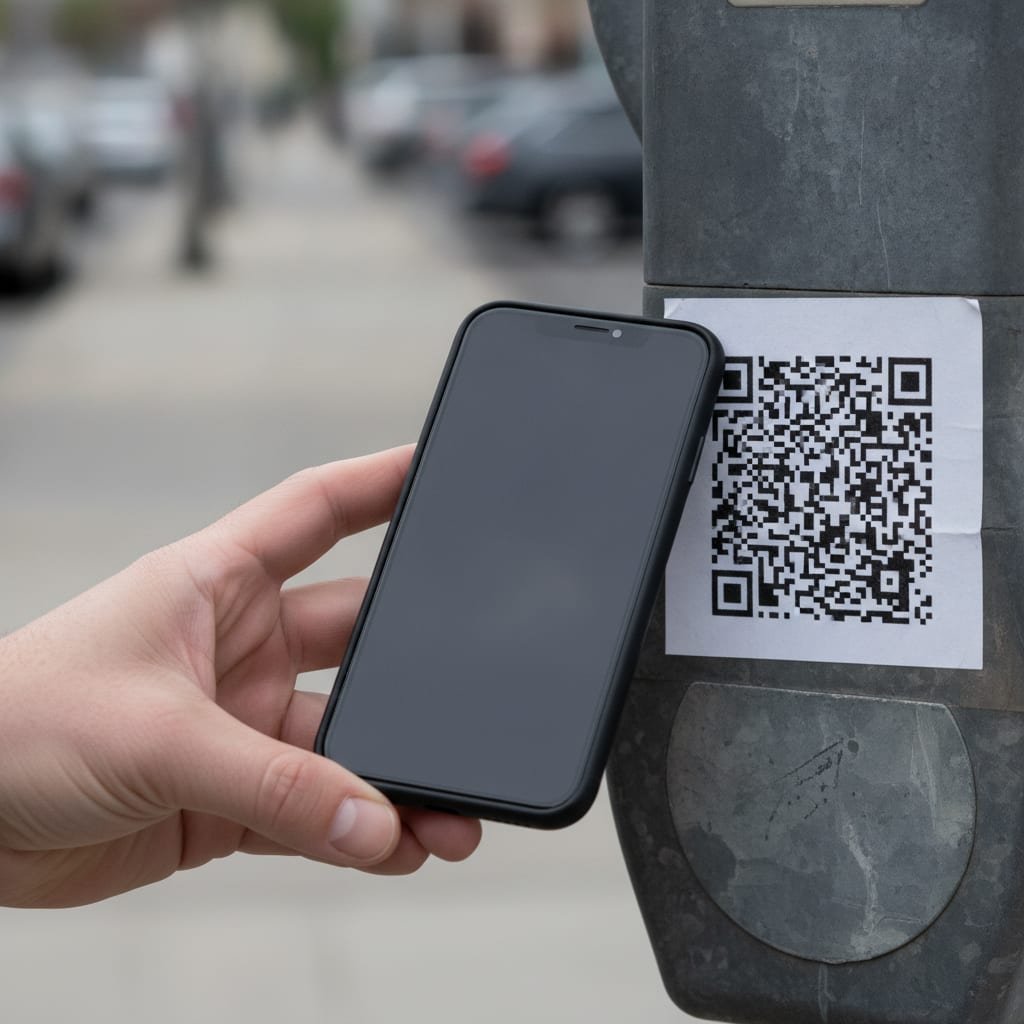
In January 2022, the FBI's Internet Crime Complaint Center issued a public service announcement warning that cybercriminals were tampering with legitimate QR codes to redirect victims to malicious sites designed to steal login credentials and payment information — a tactic now commonly called "quishing." Around the same time, the Federal Trade Commission confirmed a specific version of the attack: scammers sticking fake QR codes directly over real ones on parking meters, posters, and restaurant menus. No hacking required, no server breach — just a sticker and glue.
A sticker over a sticker. That's the entire attack: no malware, no exploit, just a glued-on fake QR code aimed at your phone's camera instead of its browser.
This is the strongest practical argument for self-hosting your own codes rather than relying on a third-party generator's shortened link. If your QR code points to a domain you own, a tampered sticker is obviously wrong the moment someone checks the URL before tapping through. If it points to a generic shortener's domain that could belong to anyone, there's no visual tell at all.
How to Host Your Own QR Code Generator, Step by Step
Hosting your own generator isn't exotic — most of the work is choosing which layer you want to own.
Option 1: Run an open-source repo directly
Projects like QRding on GitHub give you a self-contained generator you deploy with a single binary or Docker image. These work well for personal use or small teams who just need static codes on demand and don't mind managing updates yourself.
Option 2: Deploy a frontend template to a host like Vercel
Several open-source QR generators ship as deployable templates for platforms like Vercel, meaning you click "deploy," connect a GitHub repo, and get a working generator on your own subdomain in minutes. This is the fastest path to "self-hosted" in the loosest sense, though you're still relying on a third party's infrastructure underneath your own frontend.
Option 3: Build QR generation into a self-hosted link shortener
If you're already shortening links for marketing or sales — the way most businesses that compare alternatives to Bitly end up doing — the more useful move is picking a self-hosted shortener that generates the QR code from the same short link it manages. That way, one system handles the redirect, the click analytics, and the printed code, instead of three separate tools that each store a piece of your data somewhere different.
Pro Tip: Don't default to error-correction level H just because it sounds like the "strongest" setting. Level H trades data capacity for redundancy, so a long raw URL pushed through it becomes a denser, harder-to-scan pattern. If you're encoding a short link — under roughly 25 characters — instead of a full URL, level M usually scans faster at a distance and still survives a logo overlay just fine.
The Best Self-Hosted QR Code Generators, Compared
| Tool | Hosting method | Dynamic (editable) codes | Logo/branding support | Cost model |
|---|---|---|---|---|
| QRding | Self-deployed (Docker/binary) | No — static only | Minimal | Free, open source |
| Vercel QR templates | Deploy-yourself frontend | Depends on backend you add | Varies by template | Free tier, usage limits apply |
| Generic Docker QR containers | Self-hosted container | Varies | Minimal to none | Free, open source |
| Kortli | Self-hosted on your own server | Yes, tied to shortened links | Logo-embedded, styled | One-time license |
The open-source options in that table are genuinely free and genuinely yours, but nearly all of them generate static codes only — fine for a business card, less useful if you want to swap a destination after printing five hundred flyers. Dynamic codes require something managing the redirect, which is why most people who need both branding and editability end up pairing a generator with a link shortener rather than using a standalone QR tool.
Is There a Free QR Code Generator That Will Last Forever?
Yes, with a condition most people miss: it has to be static. A free static QR code — the kind encoding a plain URL, no redirect involved — will scan correctly forever, because there's nothing left to maintain after the image is created. The generator's website could disappear tomorrow and the code would still work, because the destination was never stored on their server to begin with; it's stored in the code itself. A free dynamic QR code is a different promise entirely. The moment you need to edit the destination, track scans, or add password protection, you're depending on that free tier staying free, staying online, and staying unchanged — three things free tiers are notoriously bad at.
One meter, 1,190 words, zero servers required — that's roughly what it takes to print a static QR code that outlives the company that generated it.
Can ChatGPT Generate QR Codes? What AI Tools Can (and Can't) Do
ChatGPT can produce a working QR code, but not the way people assume. A language model doesn't "draw" pixels from a text prompt the way an image generator does; instead, when ChatGPT has code execution enabled, it writes and runs a short Python script using a library like qrcode, then shows you the resulting PNG. That script-and-render step is doing the actual work — the same work any self-hosted generator does, just triggered by a conversation instead of a form. The practical upshot: ChatGPT is a fine one-off tool for generating a single static code quickly, but it isn't a dynamic QR platform. It won't track scans, let you edit a destination after the fact, or manage a batch of branded codes across a campaign, because it isn't storing any of that as a service — each code it makes is a standalone file, gone from its memory the moment the chat ends.
Branding a QR Code Without Breaking the Scan
A logo dropped into the center of a QR code works because the standard was built to tolerate exactly that kind of damage. The ISO/IEC 18004 specification defines four error-correction levels — L, M, Q, and H — that determine how much of the code's data can be physically obscured or corrupted and still scan correctly.
Error correction level H can recover up to 30% of a QR code's data before it becomes unreadable — which is exactly the margin designers use to hide a logo in the center without breaking the scan.
That 30% ceiling is also why style matters more than most free generators let on: rounded corners, custom colors, and embedded logos all eat into that error-correction budget, and a generator that doesn't show you the resulting scan reliability is asking you to guess. If you're building branded codes regularly, our breakdowns of how to style a QR code without breaking the scan and logo-embedded QR generators compared fairly go deeper into which design choices are safe and which ones routinely fail in the wild.
Get a Self-Hosted QR Generator That's Actually Tied to a Link You Own
Kortli is a self-hosted link shortener you install on your own Linux server for a one-time payment, and every short link it creates comes with a styled, logo-embedded QR code generated from that same link — no separate tool, no separate log of who scanned what. Because the QR code points to a domain you control, you get the static code's permanence with the dynamic code's editability: change the destination, add password protection, run an A/B split test, and the printed code never has to be reprinted. Click data, including rough geographic location, stays on your own server instead of a vendor's.
The honest caveat: you need a Linux server and enough comfort with the command line to run the install script, so it's not the right fit if you want a generator you can open in a browser tab and forget. If that's genuinely all you need, one of the free static tools above will serve you fine — check the spec sheet either way before you commit a few hundred printed codes to it.
Frequently Asked Questions
What is the FBI warning about QR codes?
In January 2022, the FBI's Internet Crime Complaint Center warned that criminals were tampering with legitimate QR codes to redirect people to malicious websites that steal login credentials and payment details, a technique now called "quishing." The FTC separately confirmed scammers were placing fake QR stickers directly over real ones in public places like parking meters.
How do I host my own QR code generator?
You can deploy an open-source project like QRding via Docker, use a deployable frontend template on a platform like Vercel, or use a self-hosted link shortener that generates branded QR codes from the links it manages. The right choice depends on whether you need static codes only or editable, trackable dynamic ones.
Is there a free QR code generator that will last forever?
Yes, but only for static codes, where the destination is encoded directly into the image with nothing stored on a server. Free dynamic codes depend on the generator's business staying online and the free tier staying unchanged, which isn't guaranteed over time.
Can ChatGPT generate QR codes?
Yes, when code execution is enabled, ChatGPT writes a short script using a library like Python's qrcode and renders the resulting image. It produces a one-off static code well but doesn't function as an ongoing dynamic QR platform with editing or scan tracking.
What's the difference between a static and dynamic QR code?
A static code has the destination encoded directly in its pattern, so it works forever with no server involved. A dynamic code encodes a short redirect link, which lets you edit the destination later but depends entirely on that redirect server staying online.
Why does self-hosting a QR generator matter for privacy?
Hosted QR and link services log scan data — location, device, timestamp — on their own servers under their own retention policy. Self-hosting keeps that log file on infrastructure you control, which matters most for businesses printing codes tied to sensitive or regulated information.
Sources
- ISO/IEC 18004:2015 QR Code Standard | International Organization for Standardization
- QRding: Self-Hosted QR Code Generator | GitHub
Leave a Reply