
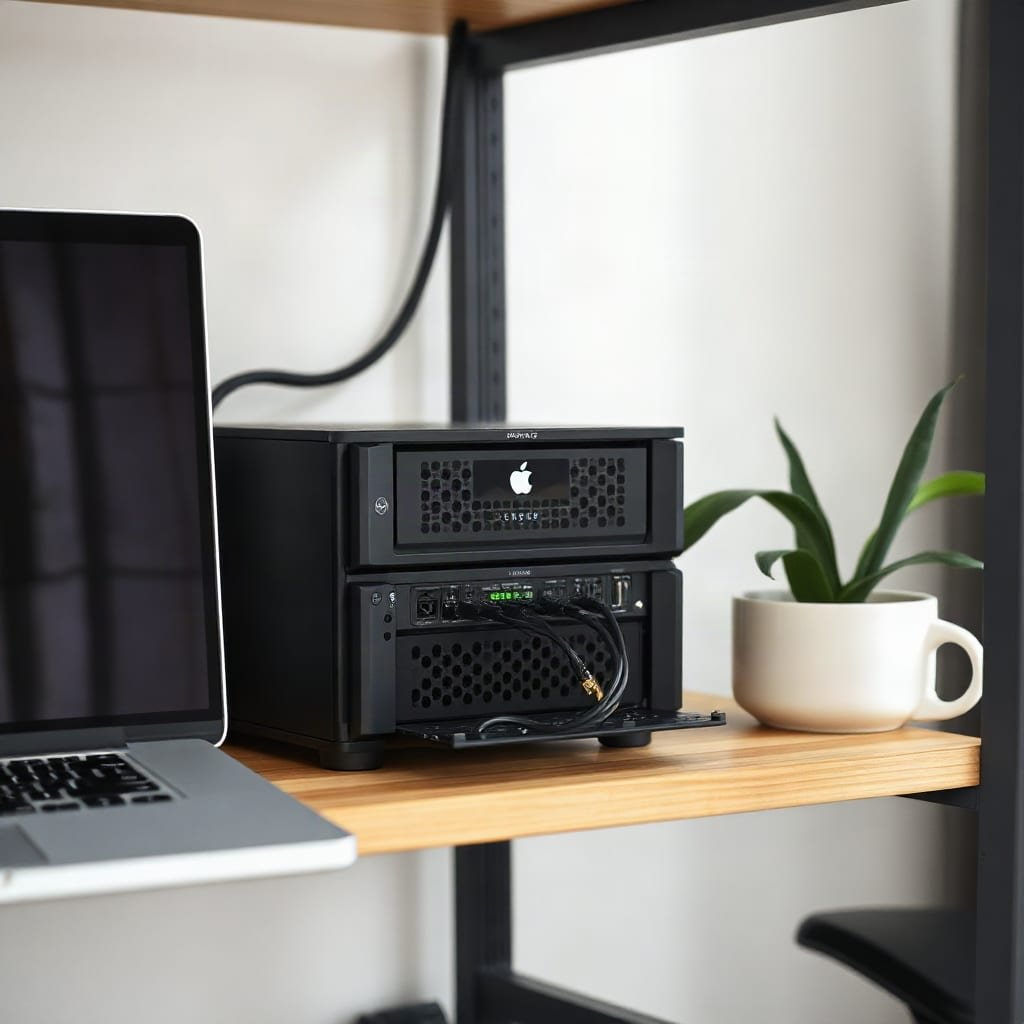
Self-hosted private link analytics means the click data for your short links sits in a database on a server you control, and you decide which fields get recorded. Hosting it yourself removes the vendor from the chain, but it does not make the data private on its own. Your web server logs, backups and geo-lookup calls can still expose the same visitor details, so privacy comes from collecting less.
TL;DR:
- Self-hosting moves the data to your server, but privacy depends on which fields you store: drop full IPs and persistent visitor IDs and keep timestamp, link, referrer domain, country and device family.
- Default web server access logs record the full client IP on every request, so an anonymized analytics table beside them protects nothing until you change log settings.
- A 301 redirect can be cached by browsers under RFC 9110, so repeat clicks may never reach your server. Use 302 or 307 on links where counts matter.
- A daily-rotating salt lets you count unique visitors per day without storing an IP address, at the cost of cross-day uniqueness.
- For link tracking, a self-hosted shortener with built-in click analytics beats a full web analytics suite: one app, one database, and a smaller attack surface.
Table of Contents
- Private Link Analytics Self-Hosted: What the Phrase Covers and What It Misses
- What a Click Record Needs, and What You Can Leave Out
- Where Self-Hosted Analytics Still Leaks: Logs, Backups, and Lookups
- The Law Side: GDPR, CNIL, and CCPA in Plain Terms
- Why Your Click Counts Are Probably Off: Redirect Codes and Bots
- Private Link Analytics Self-Hosted on AWS, GitHub, and Reddit
- What It Costs to Run Your Own Link Analytics
- Keep Every Click Record on a Server You Control
- Frequently Asked Questions
- Sources
Private Link Analytics Self-Hosted: What the Phrase Covers and What It Misses
Three questions decide whether link analytics are private: where the click rows are stored, which fields each row contains, and who else gets a copy. A hosted shortener answers the first question for you, sets its own retention period, and makes you sign a data processing agreement as the customer. Self-hosting moves the first answer to your server. The other two stay yours to get wrong.
Ownership matters here too. When you cancel a hosted subscription, you can lose both the working redirects and the click history behind them. When the database is yours, neither disappears. For the cost side of that trade, what a hosted shortener really costs over five years puts real totals on it.
What a Click Record Needs, and What You Can Leave Out
Most link analytics questions ("which channel drove this campaign?", "which country is scanning this QR code?") need five fields. Everything beyond that is optional, and some of it is a liability.
| Field | What it tells you | Privacy cost | Recommendation |
|---|---|---|---|
| Timestamp | When the click happened | None | Keep |
| Link ID | Which link was clicked | None | Keep |
| Referrer (domain only) | Which channel sent the click | Low | Keep the domain, drop the path |
| Browser and OS family | Device mix | Low | Keep the family, drop the full user-agent string |
| Country | Geographic spread | Low | Keep |
| City | Local campaign results | Medium | Keep only if you act on it |
| Full IP address | Little beyond deduplication | High | Hash or truncate |
| Persistent visitor ID or cookie | Cross-visit tracking | High | Skip |
A full referrer URL can carry query strings with session tokens or email addresses, so storing it means storing whatever the sending page leaked. The domain is enough to tell you whether a click came from a newsletter or a social post.
IP truncation has a trade-off. Dropping the last octet of an IPv4 address leaves country-level lookups nearly unchanged, but city-level accuracy can fall. If you never read the city column, you lose nothing.
Pro Tip: If you need unique visitors per day without storing IPs, hash the IP and user-agent together with a random salt that you generate each day and delete at midnight. Same-day repeat clicks collapse into one visitor, and no one, including you, can reverse the hash the next morning. You give up multi-day uniqueness, which is exactly the capability a regulator would worry about.
Where Self-Hosted Analytics Still Leaks: Logs, Backups, and Lookups
The most common mistake is anonymizing the analytics table and leaving everything around it alone. Four places usually keep what you removed.
- Access logs. Web servers write the client IP for every request by default, and a redirect service receives one request per click.
- Backups and snapshots. A nightly database dump keeps a deleted field alive for as long as your backup retention runs. Set backup retention to match your analytics retention.
- External geo lookups. If your shortener sends each visitor IP to a third-party API to find the country, you have rebuilt the vendor chain you left. Use a local database file for IP-to-country lookups.
- Error trackers and monitoring. A stack trace that captures the request headers copies the visitor's IP and user agent into another system.
A web server's default access log records the full client IP for every request, so an anonymized analytics table sitting next to it protects nothing.
Fix the logs by removing the IP from the log format on your redirect domain, or by rotating logs after a short window you can defend. If you are still setting up the server, the Linux install walkthrough with Docker, Nginx and TLS is the moment to do it, since log format is a one-line change in the proxy config.
The Law Side: GDPR, CNIL, and CCPA in Plain Terms
Regulators treat IP addresses as personal data more often than site owners expect. Recital 30 of the General Data Protection Regulation names IP addresses as online identifiers that can, combined with other data, be used to profile and identify people. A click log with full IPs is personal data in the EU, wherever your server sits.
Self-hosting helps in one specific way: you remove a processor, so there is no vendor agreement to manage and no cross-border transfer by the vendor. You are still the controller, and the obligations to minimize data and set a retention limit are yours.
France's data protection authority gives the clearest practical line. The CNIL has said that audience measurement can be exempt from consent when it is limited to anonymous statistics for the publisher's own use, with no cross-site tracking and tracker lifetimes capped at 13 months. A redirect that records country, referrer domain and device family, with no cookie, fits that pattern far better than a tool that builds visitor profiles.
In the United States, the California Consumer Privacy Act gives California residents the right to know what a business collects, to delete it, and to opt out of its sale or sharing. If your click table holds no personal information, there is less to look up and delete when a request arrives. This is general information, not legal advice, so ask a lawyer about your own setup.
Why Your Click Counts Are Probably Off: Redirect Codes and Bots
Self-hosted counts can be wrong in two directions, and neither shows up as an error.
Undercounting from cached redirects
RFC 9110 defines 301 as a permanent redirect that caches may store by default. A browser that has seen the 301 once can send the visitor straight to the destination next time without contacting your server. The second click is invisible to you.
RFC 9110 lets browsers cache a 301 redirect, so a repeat visitor's second click may never reach your server.
A 302 or 307 is not cached unless the response says so, so every click reaches your counter. Use 302 or 307 on any link you measure. Reserve 301 for links you will never need to count, and expect slightly higher server load from the rest.
Overcounting from machines
Email security scanners, chat apps that build link previews, and search crawlers all fetch short links without a human present. You will see clicks seconds after sending a newsletter, from data-center IP ranges. Filter on known bot user agents, ignore HEAD requests, and treat any burst of clicks within a few seconds of a send as suspect. Compare against a password-protected link: scanners cannot get past the prompt, so that link's counts reflect people.
Private Link Analytics Self-Hosted on AWS, GitHub, and Reddit
The search results for this phrase mix three different things, so sort them before you spend a weekend.
- AWS. "PrivateLink" is Amazon's service for connecting virtual networks to services without sending traffic over the public internet. It concerns network paths, not click tracking. If you run your own shortener on AWS, you are renting an ordinary virtual machine, and the logging advice above applies unchanged.
- GitHub. Open-source repositories are a fair place to start, but check the date of the last commit, the license, and the count of unanswered issues before you trust one with a public redirect domain. A redirect service sits on the open internet and takes traffic from strangers.
- Reddit. Discussion threads are useful for finding failure stories, such as a database that grew without a retention policy. Treat them as leads to verify, not as benchmarks.
Open-source web analytics platforms measure something else. They run a script on your pages and measure what happens after arrival. A shortener measures at the redirect, before the visitor lands, and needs no script on the destination. Many full platforms run several services (an application, a relational database and often a separate column store), while a shortener typically runs one application and one database. For link tracking, the lighter stack has fewer parts to patch.
What It Costs to Run Your Own Link Analytics
The storage math is small. Assume about 200 bytes per click row (an estimate; your schema will differ). Ten million clicks come to roughly 2 GB, and indexes might double that. A modest virtual server handles it, and one costing a few dollars a month is enough for most small and mid-size link volumes.
The main cost is attention: security updates, backups you have tested, and a retention job that deletes old rows. If nobody on your team will do those three things, a hosted service is the better choice, and I would say so plainly. If someone will, the options compare like this:
| Setup | Where clicks are stored | Upkeep | Pick it when |
|---|---|---|---|
| Hosted shortener subscription | Vendor's servers | None | Nobody can maintain a server |
| Open-source web analytics platform plus any shortener | Your server, split across two systems | Two stacks to patch | You also need on-page behavior data |
| Self-hosted shortener with built-in click analytics | Your server, one database | One app to patch | You mainly track links and QR codes |
I would pick the third row for anyone who manages branded links and QR codes. It has the fewest moving parts, and the privacy decisions live in one place. Setup is easy if you have used Docker before: see what works and what breaks in a Docker setup, and running a URL shortener on your own server without regret covers the maintenance habits that keep it healthy.
Keep Every Click Record on a Server You Control

Kortli is a self-hosted link shortener you install on your own Linux server with a one-time license. Click analytics and geographic tracking are stored in your own database, so no vendor holds your visitors' data and a canceled subscription cannot take your links or history. You can attach branded domains with no per-domain fee, protect links with passwords, split-test destinations, and generate styled QR codes with your logo embedded. Check kortli.com for the current price: it is a single payment, with no monthly bill.
The limits are real. You are the system administrator, so patching, backups and log retention are your job. The analytics describe link activity (clicks, referrers, location), not what visitors do after they land. Before you describe your tracking in a privacy policy, read the spec sheet to see exactly which fields are stored, ours included, and set your web server's log format to match.
Frequently Asked Questions
Is self-hosted link analytics automatically GDPR compliant?
No. Self-hosting removes a vendor from the data chain, but you remain the controller and must still minimize what you collect and set a retention limit. Under GDPR Recital 30, IP addresses can count as online identifiers, so storing them in click logs creates obligations.
What is the least data I need to track link performance?
A timestamp, the link ID, the referrer domain, the country and the browser family answer most campaign questions. Skip full IP addresses and persistent visitor IDs unless you have a specific, documented reason to keep them.
Does AWS PrivateLink have anything to do with private link analytics?
No. AWS PrivateLink is a networking service that connects virtual networks to services without using the public internet. You can host a shortener on AWS, but that is an ordinary server setup, and PrivateLink does not track or anonymize clicks.
Why do my self-hosted click counts look lower than expected?
Browsers can cache 301 redirects under RFC 9110, so repeat visits may skip your server. Switching measured links to 302 or 307 makes every click reach your counter. Bots and link-preview fetchers push counts up, so filter them before comparing numbers.
Can I count unique visitors without storing IP addresses?
Yes, within one day. Hash the IP and user agent with a random salt that you generate daily and then delete, and same-day repeat clicks collapse into a single visitor. You cannot track the same person across days, which is the privacy benefit.
Sources
- General Data Protection Regulation (EU) 2016/679 | EUR-Lex, European Union
- CNIL guidance on audience measurement and cookies | CNIL (French data protection authority)
- RFC 9110: HTTP Semantics | IETF / RFC Editor
- California Consumer Privacy Act (CCPA) | California Attorney General
Leave a Reply